
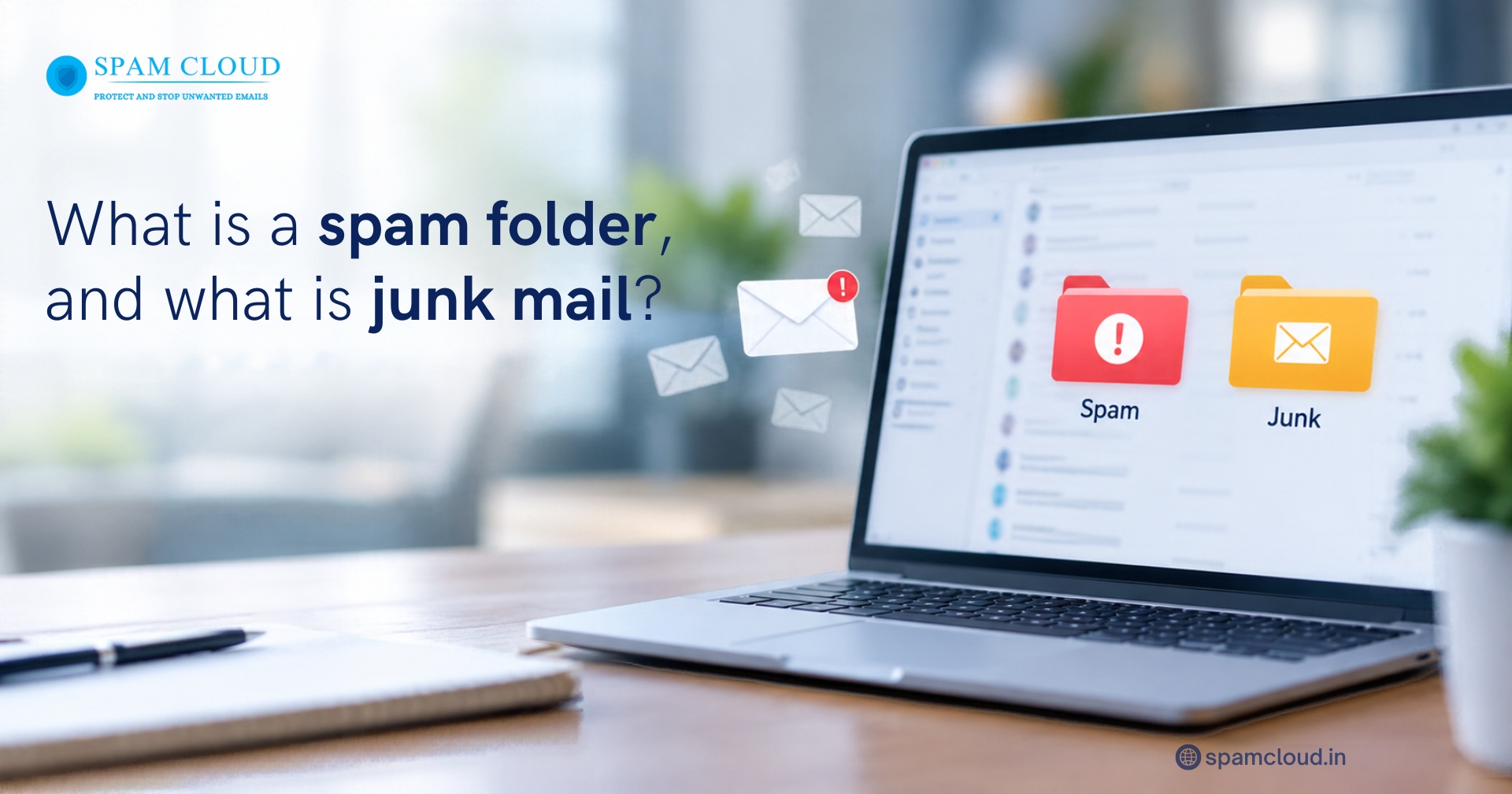
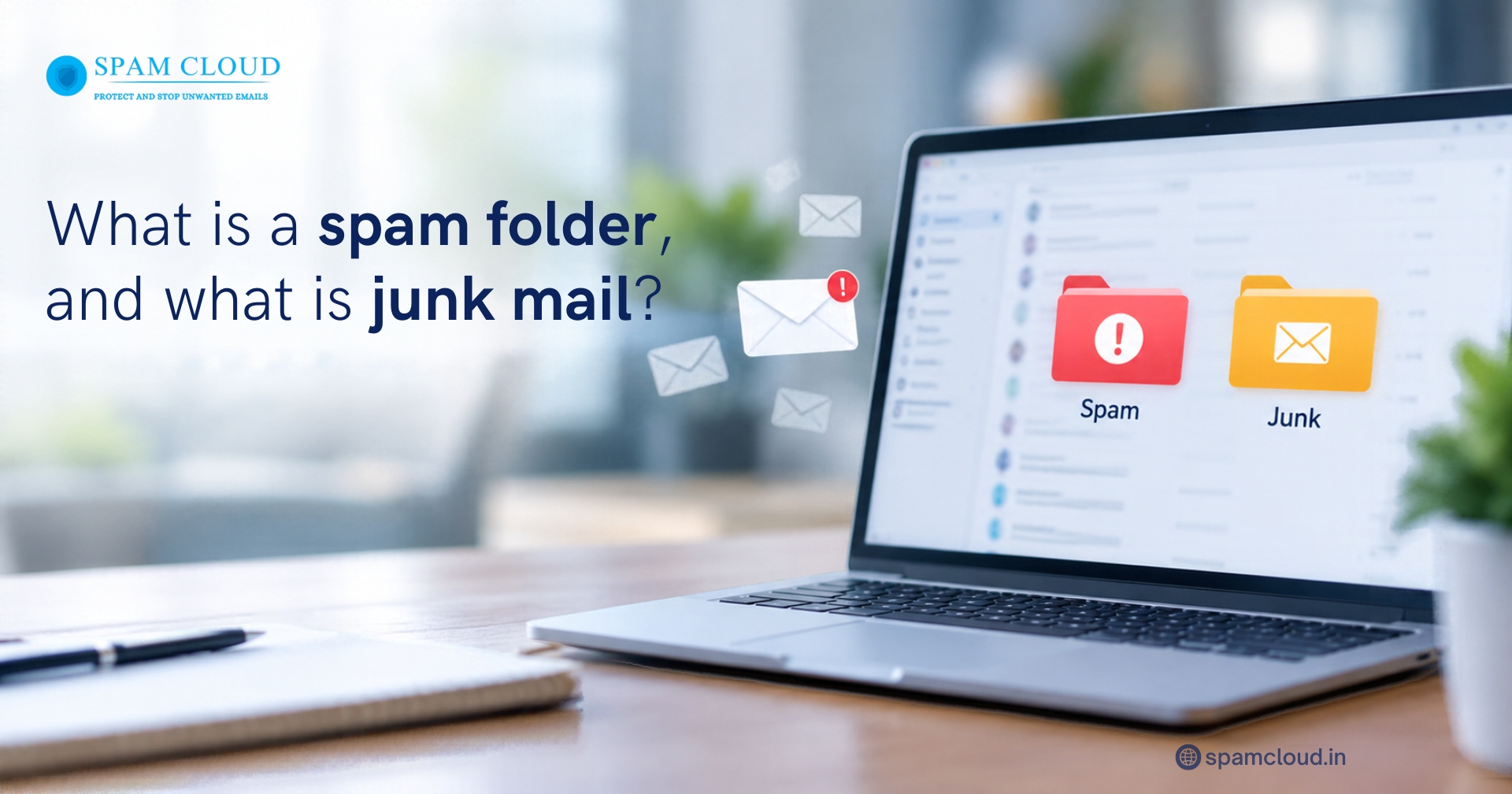
Have you ever opened your email and found an advertisement you never requested, a suspicious offer, or a message from an unfamiliar sender? Email services are designed to separate these unwanted messages from the emails you actually need. This is where the spam folder comes in.
A spam folder is a dedicated section in an email account where messages identified as unwanted, suspicious, or potentially harmful are placed. Junk mail refers to unsolicited or irrelevant messages that arrive without your request. Although people often use these terms interchangeably, one describes a location in your mailbox, while the other describes the messages themselves.
Understanding this distinction helps you manage incoming messages, avoid email scams, and prevent important communications from being overlooked. Businesses can also work with a reliable email security service provider to improve spam filtering, reduce phishing risks, and protect important email communications.
What Is a Spam Folder?
A spam folder is an automatically managed section of your email account that holds messages flagged by spam detection systems. Instead of allowing every unwanted message to appear in your primary inbox, the email service evaluates incoming messages and redirects those considered suspicious or irrelevant.
For example, if you receive repeated promotional emails from an unfamiliar sender, your email provider may classify them as spam. The messages can then appear in the designated folder rather than alongside important work emails.
The purpose of this feature is to keep your inbox organized and reduce exposure to potentially dangerous content.
A spam folder can contain:
Unsolicited advertisements and promotional campaigns
Repeated messages from suspicious senders
Emails containing misleading links
Messages with potentially harmful attachments
Bulk emails that violate sending or recipient preferences
However, not every message placed in this folder is dangerous. A genuine business enquiry, invoice, password reset notification, or customer request can occasionally be classified incorrectly. Checking this folder regularly helps prevent legitimate emails from being missed.
What Is Junk Mail?
Junk mail refers to unwanted messages sent to your email address, usually without a clear request from you. These messages may promote products, advertise services, encourage subscriptions, or attempt to persuade you to visit a website.
Some unsolicited messages are merely annoying, while others are created to steal personal information or distribute malicious software.
Common examples include:
Promotional emails from companies you do not recognize
Repeated offers promising unrealistic discounts
Unrequested newsletters and marketing campaigns
Fake prize notifications asking for personal details
Fraudulent messages pretending to come from banks or trusted companies
The important distinction is that junk mail describes the content or nature of an unwanted message. The spam folder is where an email service may store that message after identifying it as unwanted.
What Is the Difference Between a Spam Folder and Junk Mail?
Although these terms are often used interchangeably, they describe different aspects of email management.
Feature | Spam folder | Junk mail |
Meaning | A location where filtered messages are stored | Unwanted or unsolicited messages |
Purpose | Separates potentially unwanted emails from regular correspondence | Describes the type of message |
Examples | A folder containing filtered advertisements and suspicious emails | Unrequested promotions and misleading offers |
User action | Review, delete, report, or restore messages | Unsubscribe from legitimate marketing or report suspicious messages |
Security considerations | May contain both harmless and dangerous messages | Can include phishing, fraud, or harmless promotions |
The main distinction is simple: junk mail describes unwanted correspondence, while the spam folder is one place where an email service stores messages it identifies as potentially unwanted.
Email providers may use different names for this folder. Some display it as Spam, while others use Junk Email.
How Do Emails Get Moved Into the Spam Folder?
Email filtering systems assess multiple signals rather than relying on a single word or characteristic. Their decisions may vary according to the provider, user settings, and the sender's history.
1. Sender reputation
Email servers monitor sending patterns and reputation signals. A domain or IP address associated with excessive unwanted messages may experience delivery problems.
2. Email authentication
Protocols such as SPF, DKIM, and DMARC help receiving systems verify whether messages are authorized and whether their identity aligns with the sending domain. Authentication failures can increase the likelihood of filtering.
3. Message content and links
Unusual wording, misleading subject lines, deceptive links, and suspicious attachments can influence filtering decisions. However, legitimate messages may also contain elements that resemble unwanted correspondence.
4. Recipient behaviour
When users repeatedly mark messages as spam, email providers can use that feedback to improve future filtering. Conversely, restoring legitimate messages may help users correct misclassification.
Businesses seeking stronger protection can review SpamCloud's email security solutions, which address threats such as phishing, spoofing, and malicious attachments.
How to Check and Manage Your Spam Folder
Reviewing filtered messages regularly helps prevent important correspondence from being overlooked.
Follow these steps:
Open your email application or webmail account.
Locate the Spam or Junk Email folder in the navigation panel.
Review the sender's address, subject line, and message details.
Avoid opening suspicious attachments or clicking unverified links.
If a message is legitimate, select the option to mark it as not spam or move it to your inbox.
Delete unwanted messages and report suspected phishing attempts.
If a legitimate message repeatedly gets filtered, check your email rules, blocked sender list, and trusted sender settings. For business accounts, an administrator may also need to investigate authentication records and filtering policies.
Never assume that every message in this folder is harmful or that every message in the inbox is safe.
How Businesses Can Reduce Unwanted Email and Security Risks
For organisations, unwanted email creates more than an inconvenience. It can waste employee time, expose confidential information, and increase the risk of malware infections and phishing attacks.
A practical email protection strategy should include the following measures.
1. Use reliable email filtering
A well configured filtering solution helps identify unwanted correspondence before it reaches employee inboxes. Administrators should review filtering rules and quarantine reports to identify legitimate messages that have been blocked incorrectly.
2. Maintain proper domain authentication
Configure SPF, DKIM, and DMARC according to the organisation's email infrastructure. These mechanisms help receiving servers assess whether messages are authorized and reduce opportunities for domain impersonation.
3. Monitor outgoing messages
Compromised accounts can send unwanted messages without the account owner's knowledge. Monitoring outgoing email traffic can help identify suspicious activity and reduce the risk of domain reputation damage.
Businesses can also consider SpamCloud's outgoing email protection when assessing solutions for controlling outbound email risks and supporting reliable delivery.
4. Keep security policies updated
Filtering requirements change as new threats emerge. Regularly review sender allowlists, blocklists, quarantine policies, and incident reports. Avoid allowing messages through solely because their sender appears familiar.
For organisations that need broader protection against network based threats, SpamCloud's managed firewall services provide an additional security layer alongside email protection.
What Should You Do When Important Emails Go Missing?
When an expected message does not appear in your inbox, check the spam folder first. Then search the account using the sender's address, subject, or relevant terms.
If you still cannot find it, confirm the email address with the sender and ask whether the message was successfully delivered. Business users should also check mail server logs, quarantine reports, forwarding rules, and delivery status where available.
If a legitimate sender is repeatedly affected, ask the email administrator to investigate authentication and reputation issues instead of simply disabling filtering.
Protect Your Business Email with SpamCloud
Keep unwanted messages, phishing attempts, and email threats under control with reliable email security solutions. Contact SpamCloud today to find the right protection for your business.
Stay updated
Subscribe for new posts and insights.