
An employee receives an email that appears to come from the company's managing director. The message requests an urgent payment to a new supplier account. The sender's name looks familiar, the language sounds professional, and there is no obvious spam advertisement. The employee processes the payment without questioning it.
Traditional email filtering helps remove unwanted messages, but modern cyberattacks are designed to look like genuine business communication. Companies handling customer information, financial documents and internal correspondence need to understand what their existing protection can actually detect.
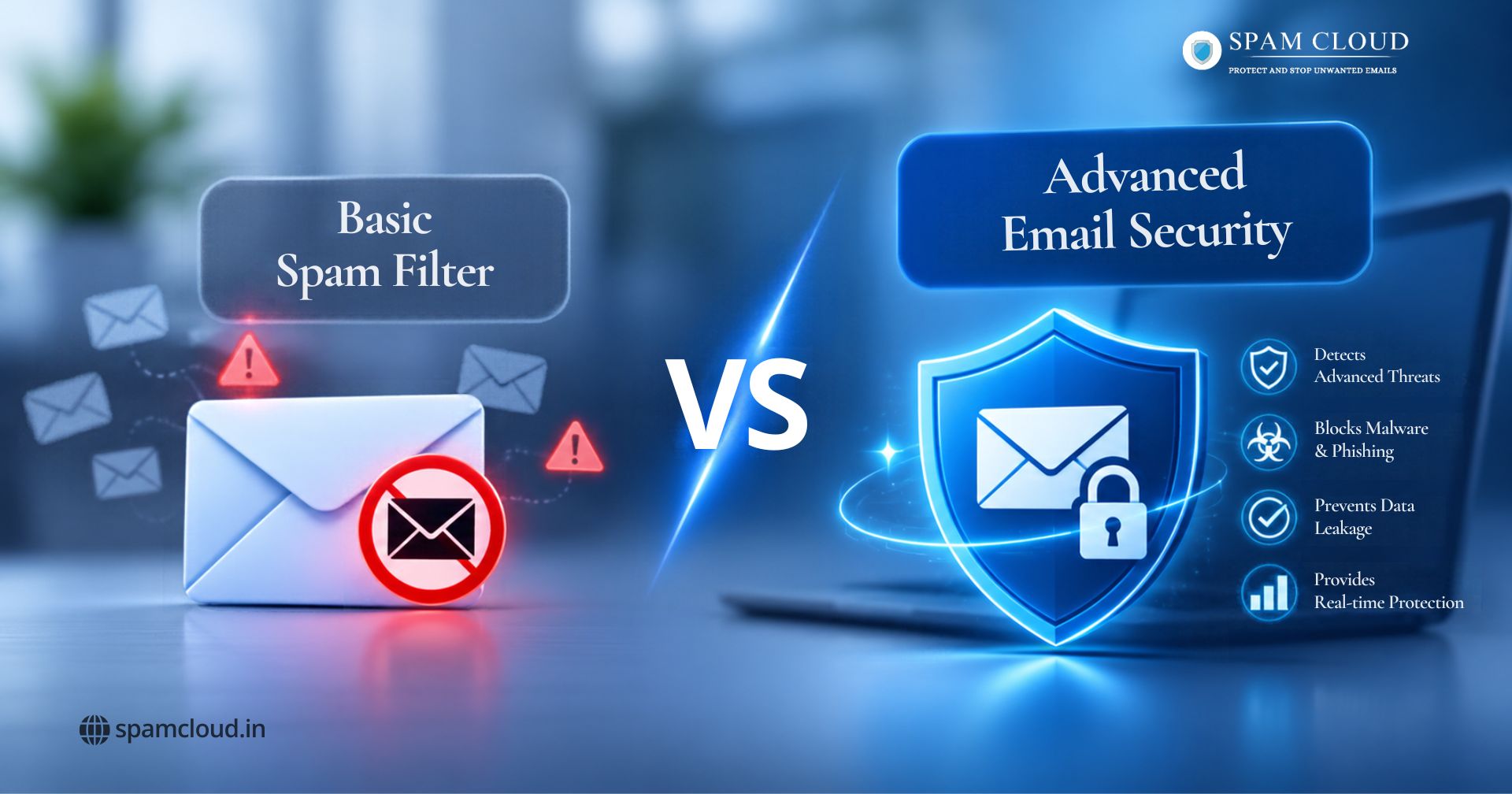
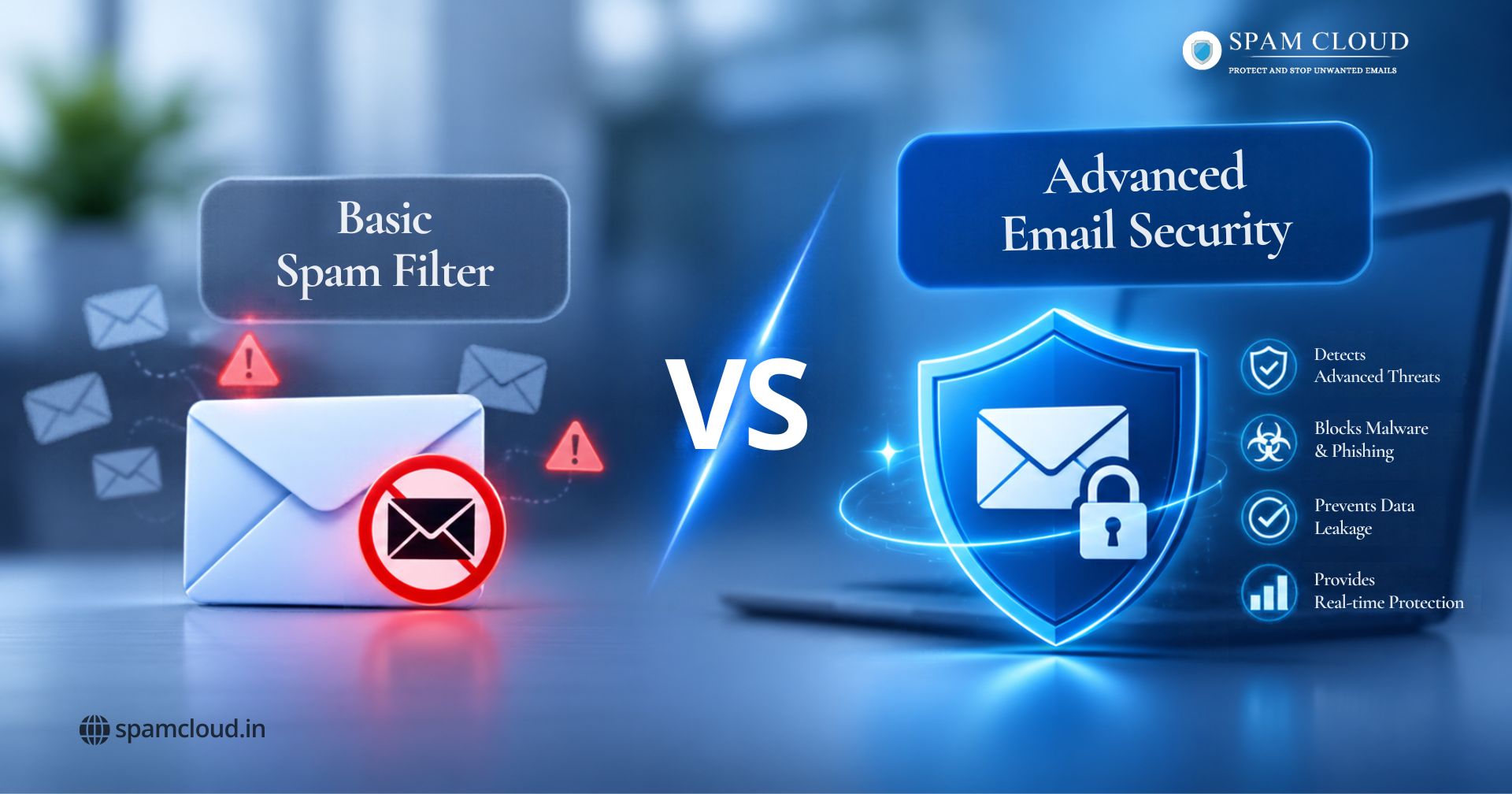
Advanced email security goes beyond ordinary junk mail detection by combining multiple inspection and protection methods. Understanding the difference between these technologies helps businesses select a solution that matches their security requirements.
1. Understanding Basic Spam Filters and Advanced Email Security
What Is a Basic Spam Filter?
A basic spam filter examines incoming messages and identifies emails that appear unwanted, suspicious or irrelevant. It commonly evaluates sender reputation, IP addresses, message content, subject lines and known spam patterns.
For example, if an employee receives repeated promotional emails from an unknown sender, the filtering system can identify those messages and move them into the spam folder.
Typical capabilities include:
Blocking known spam senders and suspicious IP addresses.
Filtering bulk promotional messages.
Identifying recognised malicious attachments.
Maintaining sender allowlists and blocklists.
Moving suspicious messages into quarantine or junk folders.
A basic spam filter is useful for controlling inbox clutter and blocking common email threats. However, its effectiveness depends on the detection methods available. A message designed to imitate a trusted business contact may not contain the usual characteristics of spam.
What Is Advanced Email Security?
Advanced email protection examines several aspects of a message before allowing it to reach its intended recipient. This includes sender authentication, URLs, attachments, message behaviour and potential security violations.
Depending on the platform, protection can include:
Machine learning assisted spam and phishing detection.
Malware and ransomware scanning.
URL inspection and attachment sandboxing.
SPF, DKIM and DMARC authentication.
Domain spoofing and impersonation detection.
Outbound email monitoring and Data Loss Prevention.
Centralised quarantine, reporting and policy management.
For organisations that require protection beyond conventional filtering, SpamCloud email security solutions provide gateway inspection, authentication enforcement, sandboxing, outbound scanning and DLP capabilities.
2. Key Differences Between Advanced Email Security and Basic Spam Filters
Spam Detection and Threat Prevention
The main difference is the depth of inspection.
A traditional filter may identify a message because its sender has a poor reputation or its content matches a known spam pattern. Advanced systems can examine additional indicators, including unusual sending behaviour, suspicious URLs, authentication failures and potentially dangerous attachments.
An effective email security service for secure business email solutions provides multiple layers of protection by analysing incoming messages and identifying potential threats before they reach employees' inboxes.
Consider a supplier sending an invoice from an email address that differs slightly from its genuine domain. A simple content filter might allow the message because it looks like an ordinary invoice. A stronger security gateway can evaluate the sender domain and other suspicious indicators before delivery.
Protection Against Phishing and Malware
Phishing attacks attempt to trick recipients into revealing passwords, OTPs, financial details or other confidential information.
Malware attacks use harmful files or links to compromise devices and networks.
Effective protection should examine:
Whether the sender's domain is authentic.
Whether embedded links lead to suspicious destinations.
Whether attachments contain malicious code.
Whether the message resembles a known impersonation attempt.
Whether a file behaves suspiciously when analysed in isolation.
Sandboxing is particularly useful for investigating suspicious attachments. It allows supported files to be executed in an isolated environment so their behaviour can be examined without exposing the main business network.
3. Essential Features Businesses Should Compare
Choosing an email protection platform requires more than checking how many spam messages it blocks.
Email Filtering and Threat Detection Capabilities
The following table highlights the capabilities businesses should evaluate.
Security Feature | Basic Spam Filter | Advanced Email Security |
Unwanted email detection | Yes | Yes |
Sender reputation checks | Basic | More comprehensive |
Phishing detection | Varies | Advanced detection |
Malware scanning | Depends on product | Multi-layer inspection |
Domain authentication | Limited or separate | Integrated policy enforcement |
Attachment sandboxing | Usually unavailable | Available in supported platforms |
Outbound scanning | Often limited | Available |
Data Loss Prevention | Usually unavailable | Available in supported platforms |
Security reporting | Basic | Detailed administration and reporting |
These are general comparisons, not universal product specifications. Actual capabilities depend on the provider, configuration and subscription.
Real Time Monitoring and Security Management
Blocking suspicious messages is only one part of email protection. IT administrators also need to understand what is happening across the organisation. A centralised security dashboard can help teams review quarantined messages, investigate suspicious senders, manage filtering policies and monitor email activity.
For example, if an employee reports a suspicious invoice, the administrator should be able to investigate the message and determine whether similar emails have reached other employees.
SpamCloud's incoming spam filtering service offers adaptive filtering, gateway protection, threat intelligence, email continuity and reporting capabilities.
4. Why Businesses Need More Than Basic Spam Protection
Preventing Business Email Compromise (BEC)
Business Email Compromise involves attackers impersonating executives, suppliers or trusted business contacts to manipulate employees into transferring money or sharing confidential information. Unlike ordinary spam, these emails may not contain suspicious attachments or promotional language.
Imagine receiving a message that appears to come from your regular supplier, requesting a change to their bank account details. Without proper verification, an employee could transfer money directly to a criminal. Businesses should combine email authentication, impersonation detection, financial approval procedures and employee awareness training.
Protecting Sensitive Business Information
Email security is equally important for outgoing communication. Employees regularly send invoices, contracts, customer records and confidential reports. If an account is compromised, attackers may use it to distribute spam or extract sensitive information.
Outbound monitoring and Data Loss Prevention can help identify suspicious sending patterns, restrict unauthorised information sharing and apply policies to sensitive attachments.
Businesses can evaluate SpamCloud outgoing email filtering to understand how outbound protection supports email reputation and communication security.
Organisations with record retention and regulatory requirements should also evaluate email archiving and compliance as part of their overall email management strategy.
5. Choosing the Right Email Security Solution for Your Business
When Is a Basic Spam Filter Enough?
A basic filtering solution may be suitable for individuals, small teams and businesses with straightforward email requirements. It can be a reasonable starting point when the primary concern is blocking unwanted promotional messages and common spam.
However, organisations should not assume that a clean inbox means their email environment is fully protected.
When Should Businesses Upgrade to Advanced Email Security?
Consider stronger protection when your organisation:
Exchanges confidential financial or customer information.
Receives regular invoices and payment instructions from external contacts.
Has experienced phishing or impersonation attempts.
Manages multiple business domains and employee mailboxes.
Needs outbound scanning and information leakage controls.
Requires centralised reporting and security administration.
Wants better visibility into suspicious email activity.
Before choosing a provider, evaluate integration requirements, detection capabilities, quarantine management, reporting, support and pricing.
Protect Your Business Emails with SpamCloud
Keep your business communication secure with advanced email security, spam filtering, phishing protection and malware detection. Choose the right protection to safeguard your emails and sensitive business information.
Contact SpamCloud Today to find the right email security solution for your business.
Stay updated
Subscribe for new posts and insights.